
It starts the same way most nights: you tell yourself you will check just one more post, one more headline, one more notification, and suddenly you are lying in the dark with your phone inches from your face while the clock creeps past midnight and your body feels tired, but your brain keeps buzzing.
Doomscrolling describes that spiral of endlessly consuming negative or alarming content, usually through news feeds and social media, even as your mood sinks and your shoulders tighten. Researchers now link heavy doomscrolling with more anxiety, stress, and lower life satisfaction, because constant exposure to upsetting updates keeps your threat system on high alert and makes it harder to unwind emotionally.
Late‑night scrolling disrupts sleep by overstimulating your brain and delaying the wind‑down your nervous system needs. It leaves you foggier and more irritable the next day. Those attention‑fraying feeds also chip away at your ability to focus on deeper tasks or conversations.
You do not have to delete your apps or disappear from the online world to change this pattern. Also, you do not have to rely on harsh rules or sheer willpower. Breaking the cycle of doomscrolling can mean designing softer, kinder defaults for your mind so you can keep the parts of your digital life you actually enjoy.
Why Doomscrolling Hooks Your Brain

Your brain is not broken; it is doing exactly what it evolved to do in an environment that quietly pulls on your attention. Infinite scroll removes natural stopping points, so your brain never receives a clear “we are done here” signal, and each swipe or tap delivers a small, unpredictable reward in the form of a shocking headline, a funny video, or a worrying update that feels too important to miss.
Notifications act like tiny alarms that open unfinished “loops” in your mind. Your brain dislikes leaving those loops open, so you check them to relieve tension and feel a brief hit of dopamine. Then the cycle begins again.
Your nervous system actively scans for threats and important changes, which helped your ancestors survive. Doomscrolling exploits that same survival system by feeding you an endless stream of bad news, near‑disasters, and hot takes that feel urgent enough to justify “just one more” scroll.
Your anxiety rises as you read, so you keep scrolling in the hope of finding clarity, reassurance, or the one update that finally makes things make sense. The feed usually adds more uncertainty, which pushes your anxiety higher and keeps you stuck in the anxiety–scroll–anxiety loop. Once you understand what happens in your brain and nervous system, you can start changing how you respond, even while the apps on your phone stay the same.

Way 1: Name Your Doomscrolling Triggers
You build change faster when you understand what pulls you in. Start by gently noticing when, where, and why you reach for your phone, especially for heavy news or social feeds, because research shows that emotional triggers like stress, boredom, and loneliness often drive compulsive scrolling and other digital habits.
You can open a simple note on your phone and write short lines such as “11:30 p.m., Instagram, felt weird after work” or “On the bus, TikTok, felt lonely and wanted distraction,” and you can do this for about a week without judging yourself, since the goal is awareness rather than perfection.
Begin to spot patterns, such as late nights, commutes, or specific emotions like anxiety or anger, and you may also notice that certain apps or topics, such as politics or celebrity drama, hook you more than others.
Then, ask yourself, “What do I actually need right now—comfort, connection, rest, or information?” and you can experiment with meeting that need in a way that does not always involve the scroll.
Reflective Question: When you last lost an hour to your phone, what were you feeling in the five minutes before you picked it up?
Way 2: Set Gentle Time Boundaries, Not Harsh Bans
Think of “time containers” instead of total bans, and you can decide that you will scroll for set pockets, such as fifteen minutes after lunch or twenty minutes after dinner, rather than letting the apps spill into every empty moment, which aligns with digital‑wellness advice that recommends specific windows for news and social media instead of constant checking.
You can use built‑in tools like Screen Time, Digital Wellbeing, or third‑party apps to set daily limits on your heaviest doomscrolling apps, and you can treat those limits as gentle guardrails instead of punishments.
Begin with slightly higher limits than you think you “should” need. Then slowly bring them down as your nervous system adjusts and your offline life feels fuller, because research suggests that even moderate reductions in recreational screen time can improve mood and reduce loneliness.
Decide that when a timer goes off, you will finish your current post, close the app, stand up, and do one small grounding action, such as stretching or drinking water, so the transition feels less abrupt. Begin with the apps that leave you most drained—often news, X, TikTok, or similar feeds—and leave more generous space for platforms that genuinely connect with or uplift you.
Micro‑challenge: Set one realistic time container for doomscrolling today and honor it once, just to see how it feels.
Way 3: Create a “No Doomscroll” Zone in Your Day
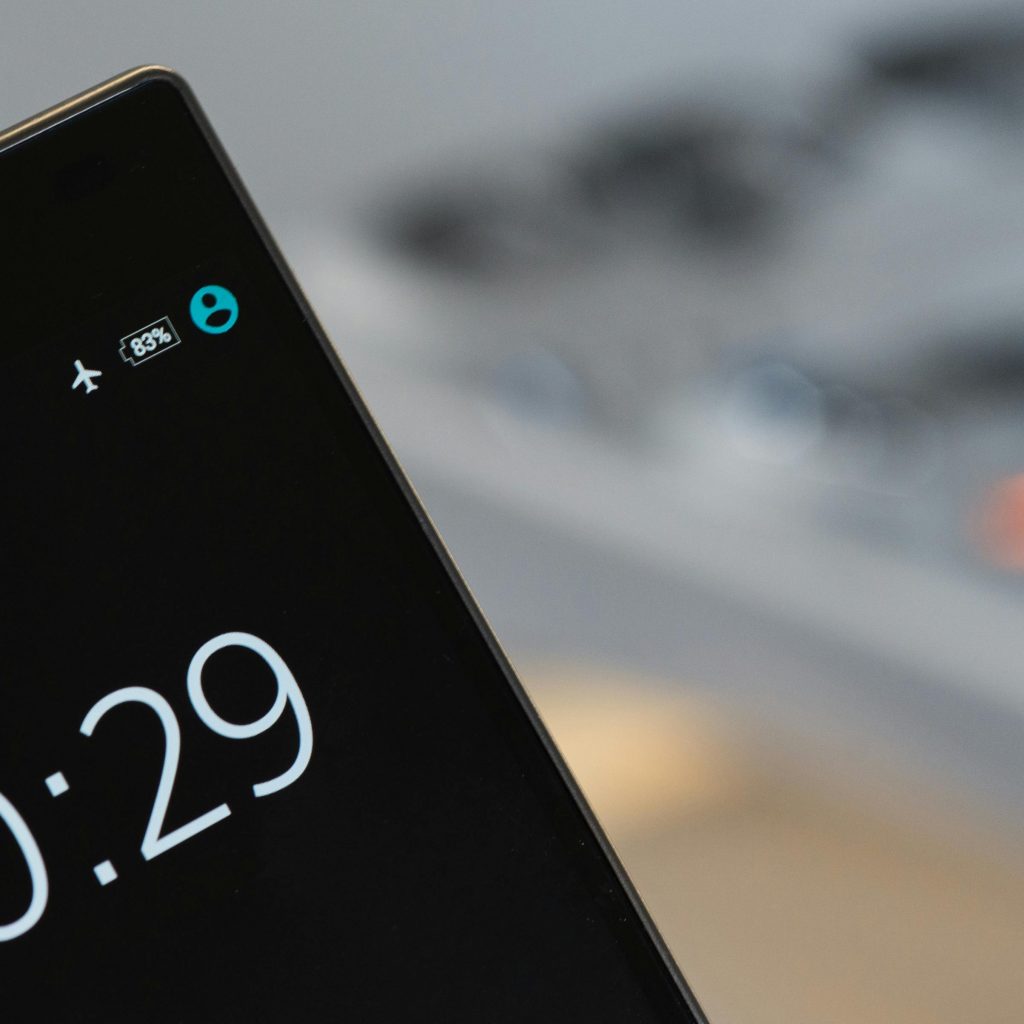
Give your brain a powerful reset by protecting a few key pockets of time from the pull of bad news and hot takes. You can choose one or two “sacred” zones, such as the first thirty minutes after waking, the last thirty minutes before sleep, or mealtimes, because mental‑health clinicians often recommend screen‑free periods near waking and bedtime to support mood and sleep quality.
Put your phone in another room, keep it on airplane mode, or use a simple alarm clock so you do not rely on your device first thing in the morning or last thing at night. You could fill this space with gentle alternatives like stretching, prayer, journaling, devotional reading, light exercise, or simply sitting in quiet and letting your thoughts settle without added input.
You might start with just one protected zone, perhaps evenings, and you can treat it as an experiment for a week rather than a forever rule. Then, notice whether you fall asleep more easily, wake up less tense, or feel more present at the table, and you can let those small benefits motivate you to expand your “no doomscroll” pockets over time.
Reflective Question: Which thirty‑minute window today could you protect as a small gift to your nervous system?
Way 4: Curate Your Feed into a Kinder Space
You teach the algorithm what to show you by what you watch, like, save, and share, and you can use that power to gradually shift your feeds from constant outrage and comparison toward content that feels calmer, more hopeful, or more grounding, a strategy many digital‑wellness guides recommend for reducing doomscrolling’s emotional impact.
Unfollow or mute accounts that constantly raise your anxiety, fuel arguments, or trigger comparison spirals, even if other people consider them “must‑follow”. You can then follow more accounts that offer art, faith reflections, humor, nature, gentle productivity, local community work, or mental‑health education, thereby increasing your exposure to supportive and uplifting content.
Experiment with using search functions to look for gratitude threads, good‑news pages, or creators who focus on practical solutions rather than pure alarm, because even small shifts in what you consume can influence your overall mood. Remember that your feed does not need to be a battlefield filled with constant conflict; you can tend it steadily like a garden and choose what grows there.
Micro‑challenge: Unfollow or mute three anxiety‑triggering accounts today and follow one account that reliably leaves you feeling calmer.
Way 5: Replace the Scroll with a “Default Pause” Ritual
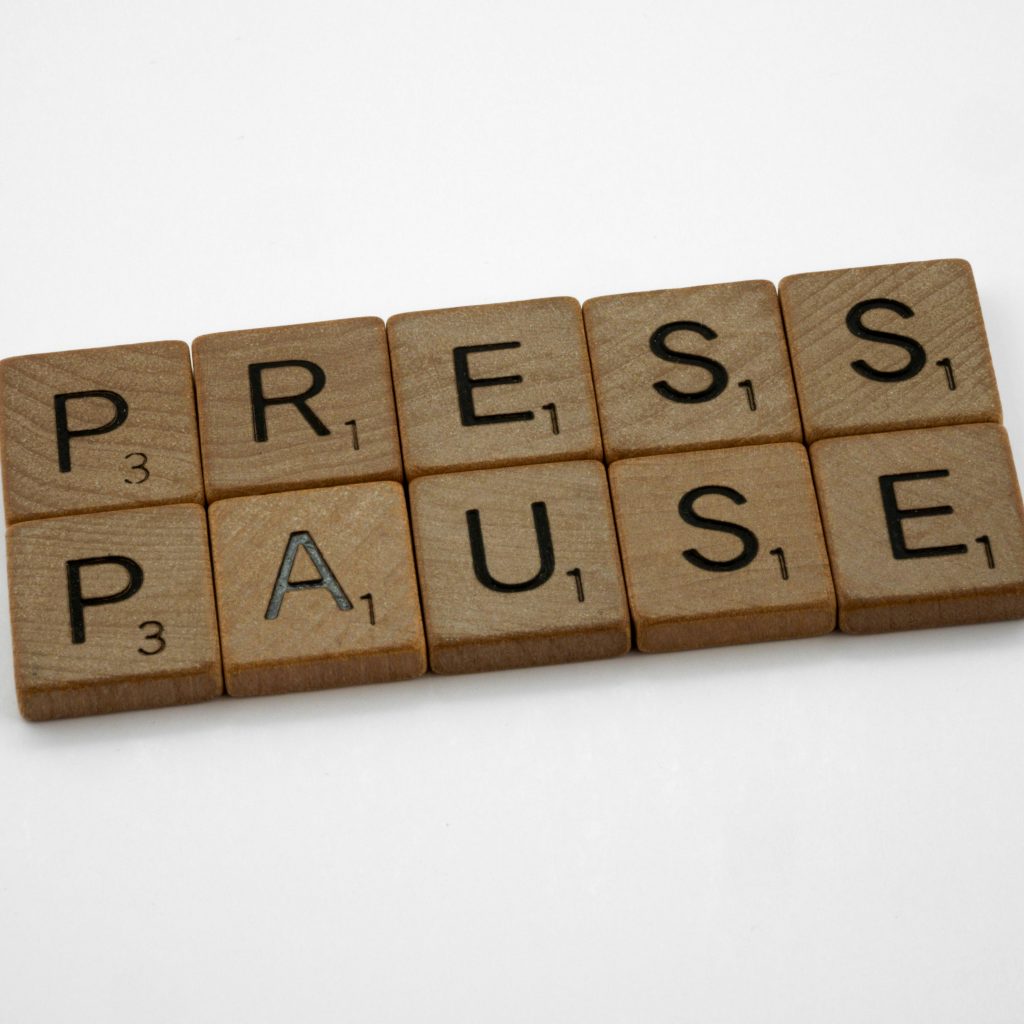
You create a powerful shift by inserting a tiny pause between feeling an urge and acting on it. Decide that every time you feel the pull to open a doomscroll‑heavy app, you will first pause for 30 to 60 seconds and do one grounding action, which aligns with behavior‑change advice that encourages replacing automatic habits with short, intentional rituals.
Take three slow breaths, place a hand on your chest, sip water, stretch your shoulders, step onto your balcony, or whisper a short prayer, such as “I am safe in this moment,” and let that small act remind your nervous system that you have options.
You can still choose to scroll afterward, and you do not need to fight yourself every time, because the goal is not rigid control; rather, you want to make the behavior conscious rather than automatic.
Notice that sometimes, after the pause, you still open the app, and that is okay, yet on other days the pause gives you enough space to choose a different comfort like texting a friend or walking for five minutes. Celebrate each time you remember the pause as a success, not only the times you skip scrolling altogether, because you are training awareness more than chasing perfection.
Reflective Question: What short, soothing action could you practice for thirty seconds before you open your favorite doomscrolling app?
Way 6: Use Visual Cues to Interrupt the Habit

Let your phone gently remind you of your intentions before you dive into the feed. Change your lock‑screen or home‑screen image to a simple phrase such as “Breathe,” “Present,” or “Is this what I need right now?” and you can use that visual cue to trigger a moment of reflection instead of immediate scrolling, a tactic digital‑wellbeing experts suggest for building more mindful tech use.
Move doomscroll‑heavy apps off your main home screen and tuck them into a folder named “Later,” “Be Intentional,” or “Check With Purpose,” because research on habit design shows that adding small bits of friction often reduces automatic behavior.
Log out of certain apps so you have to enter a password, or place them on the last page of your phone so you have to swipe several times before reaching them. Pair these small obstacles with your earlier pause ritual, so when you see the folder name, you ask yourself whether opening that app truly serves you in this moment.
Micro‑challenge: Rename one folder or change one lock‑screen image today to reflect the way you actually want to feel.
Way 7: Turn Doom into Doing (Action Instead of Anxiety)
You often doomscroll because you care deeply and feel helpless, not because you enjoy feeling bad; acknowledge that many stories in your feed highlight real pain, injustice, or crisis, and you can decide to channel some of that emotional energy into small, concrete actions instead of staying frozen in fear, a shift that mental‑health advocates say can support agency and reduce distress.
Set a rule: when you catch yourself spiraling about a specific issue, close the app after a few minutes and take one step, such as signing a petition, donating a small amount, emailing a representative, volunteering locally, or checking in on someone in your community who might be affected.
For example, notice yourself scrolling climate‑disaster posts late at night, then decide that each week you will replace thirty minutes of climate doomscrolling with one tangible act like joining a clean‑up, supporting a local environmental group, or adjusting your own habits, which can give you a stronger sense of influence.
Also, keep a simple “I did something” list where you jot down each small action, so you can see that you are not just absorbing the world’s pain but also contributing in your own way. You can remind yourself that you will never fix everything alone, yet every honest act of care matters and can turn a little of your doom into direction.
Reflective question: What small, specific action could you take this week that connects to one topic you usually doomscroll about?
Way 8: Plan “Offline Joy” as Seriously as Work
You protect your mental health by scheduling joy with the same seriousness as meetings or deadlines, notice that when life feels empty or only stressful offline, your brain naturally turns to your phone for escape and stimulation.
Write a short “Joy List” with simple options like walks, hobbies, reading, cooking, or time with loved ones, and you can treat choosing from that list as a real priority. You can block small windows in your calendar—ten or fifteen minutes is enough—and label them clearly so they do not quietly disappear under work. Often, you feel less tempted to drown in bad news when your day already holds small, real‑world moments that give you pleasure and meaning.
Way 9: Have an Accountability Buddy (or Community)

You usually change habits more easily when someone walks beside you, tells a trusted friend or partner you want to reduce your doomscrolling, and asks if they want to experiment with you, send each other quick daily check‑ins, such as a screen‑time screenshot or one thing you did instead of scrolling.
Look for gentle digital‑wellness or faith‑and‑tech communities where people share ideas and encouragement rather than judgment.
Way 10: Be Kind to Yourself When You Slip
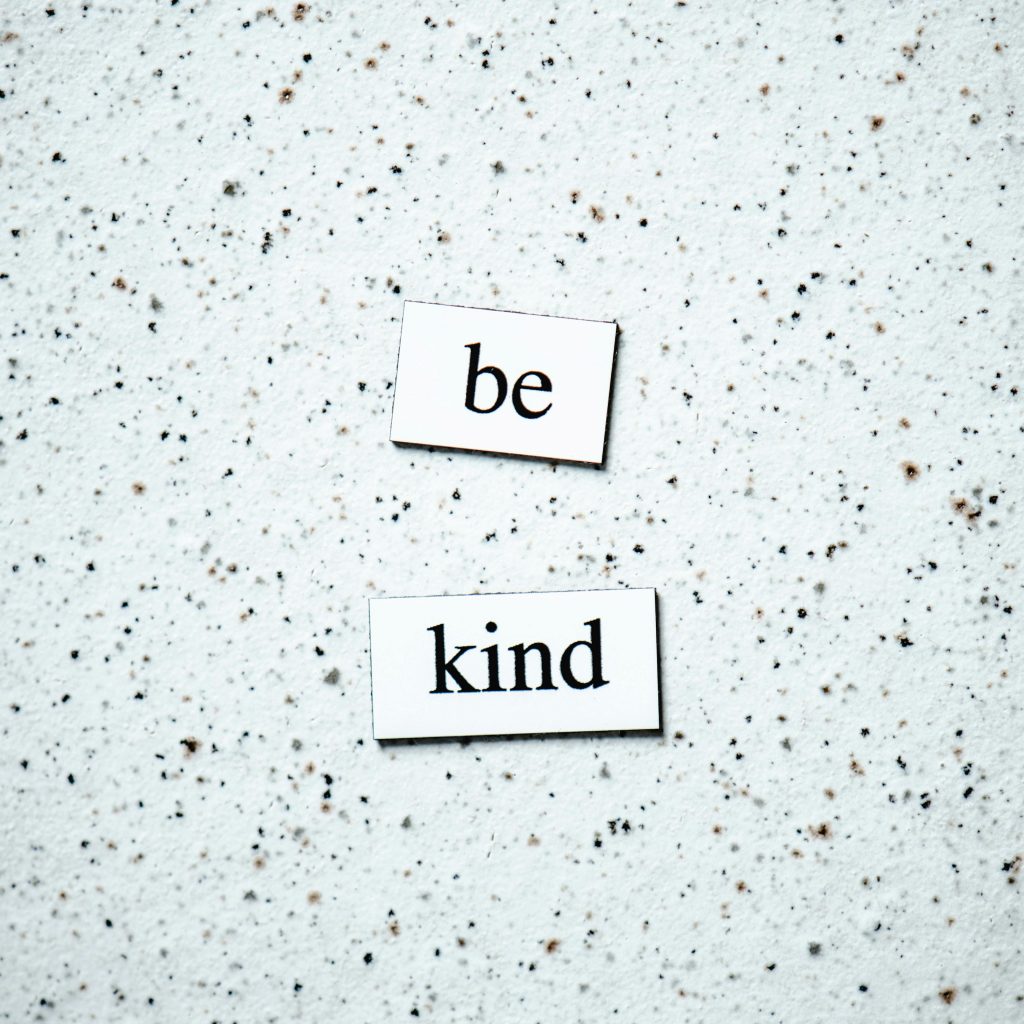
There will be nights when you fall back into the scroll, and that does not erase your progress, remind yourself that these apps are designed to be sticky, so struggle reflects the system more than a flaw in you, pause after a spiral and tell yourself, “I am learning, this is hard, and I can choose differently from this moment on.”
Treat each slip like data, asking what you felt, what you needed, and which small tool might help next time. You keep moving forward when you respond to setbacks with gentleness, not shame, because kindness makes it safer for you to try again tomorrow.
Recommended Reading: Phone and Social Media Addiction: How it Messes With Your Mood, Focus, and Sleep